
Assign Custom fields to the products
After the creation of the custom field lets go to assign it to a product.
Select a product and go to the Custom Fields Tab.
There from the Custom Field Type list, select the custom field you have created previously.
You have to assign only the last level custom field. The parent custom fields will be auto-assigned after saving the product.
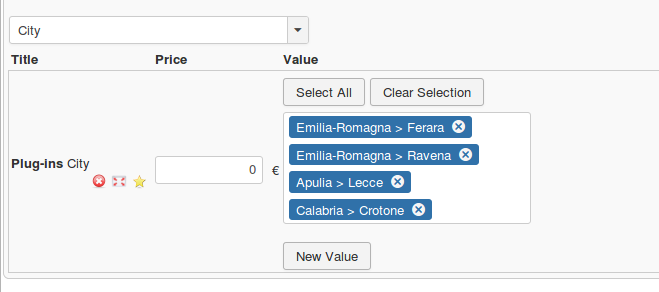
If any value has been assigned to that custom field previously, you will see them in the list.
You can select the existing values, insert new values or do both.
If the custom field is price variant, only 1 value can be set per row.
You have to insert the custom field multiple times to the product, to set multiple values.
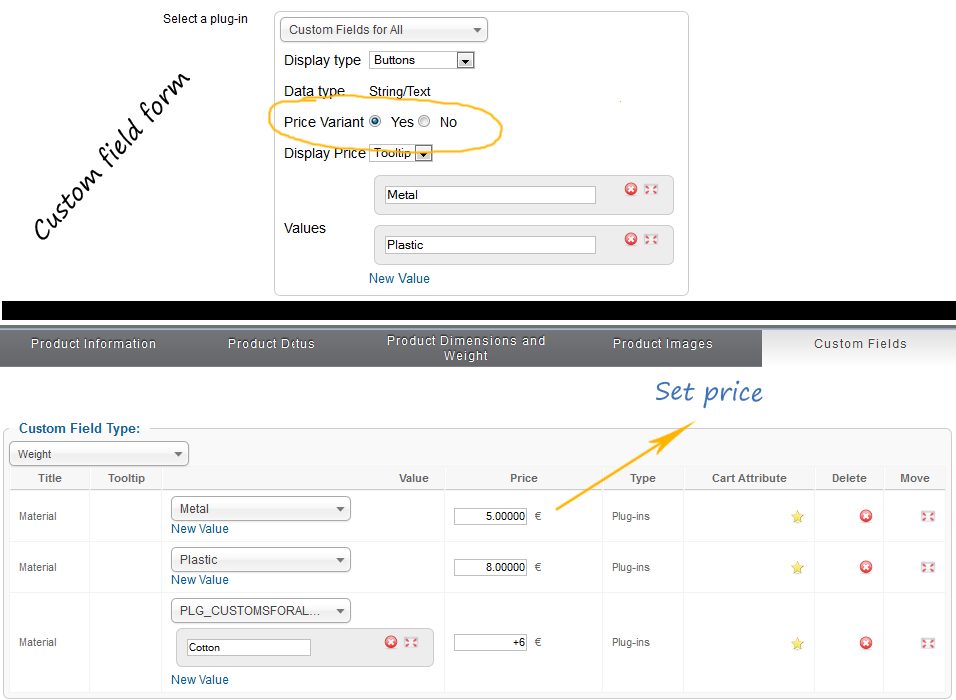
Currently only your last level custom fields can be used as price variants.