
Create the Stockable Custom Field
Go to Virtuemart >Custom Fields and press New to create a new custom field.
As type select plugin, set Cart Attribute > Yes and Cart Input > Yes
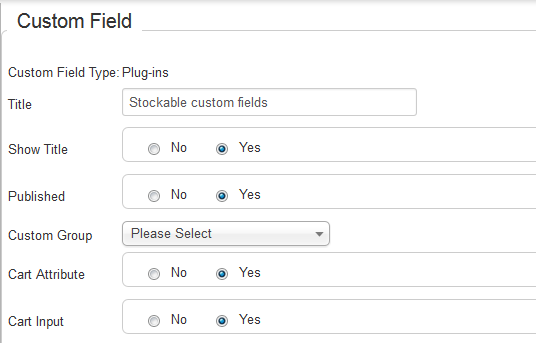
After that select the plug-in you intent to use
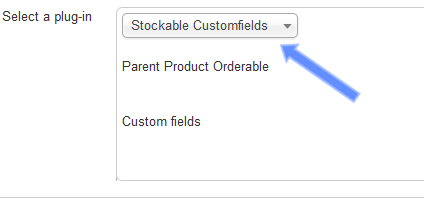
Then save the custom field.
After saving it, you will be able to select the custom fields (sub-custom fields) that you will use.
Press the "Add" button and select the custom fields you created previously.
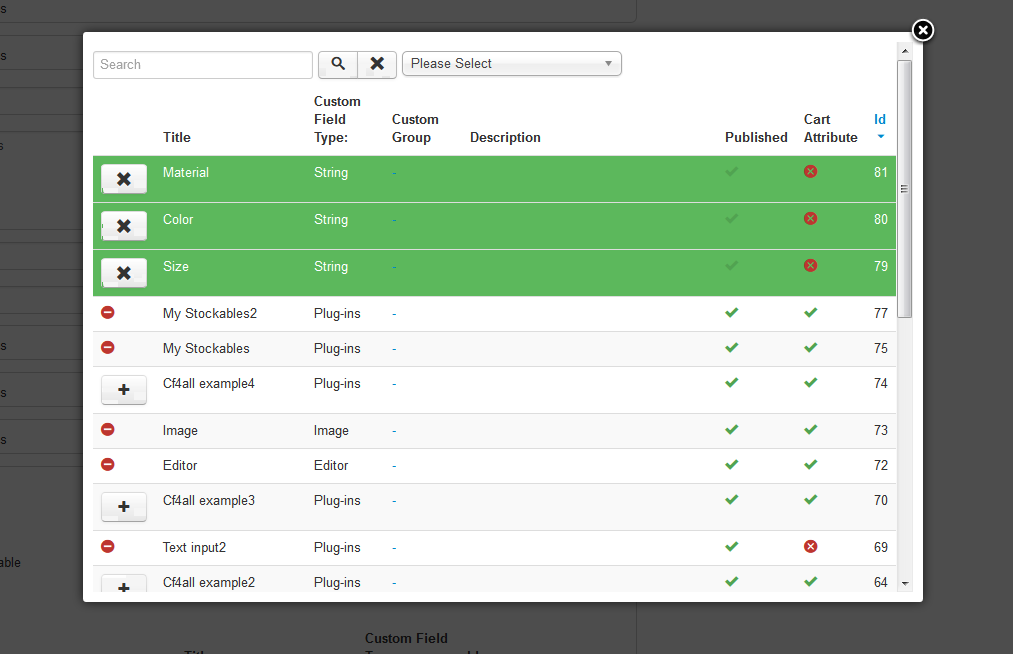
After finising the selection, close the modal window and press the save button
Also set how a combination which is out of stock will be displayed.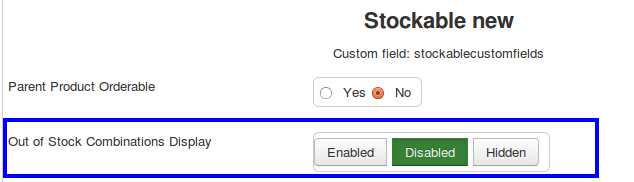
Now you are ready to create stockable variations